| Replacement Parts |
| To send parts you must first open a parts document and select the part numbers to be sent to your file.
To send the parts double click o the part number:
you will then see this part number displayed on the “My selection” panel with the text in orange for a few seconds.
Main Menu Subscription services > Technical documentation 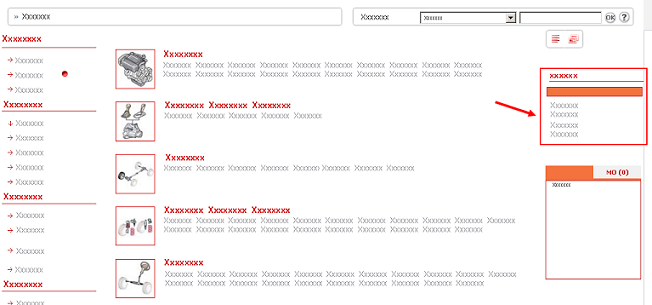 The replacement parts are sent to the current work line. If you have only the default work line “To be filed” then the parts will be sent to this work line. To change to another work line, click on the desired work line. | ||